Oct 25, 2012

Nagios with openSUSE 12.2


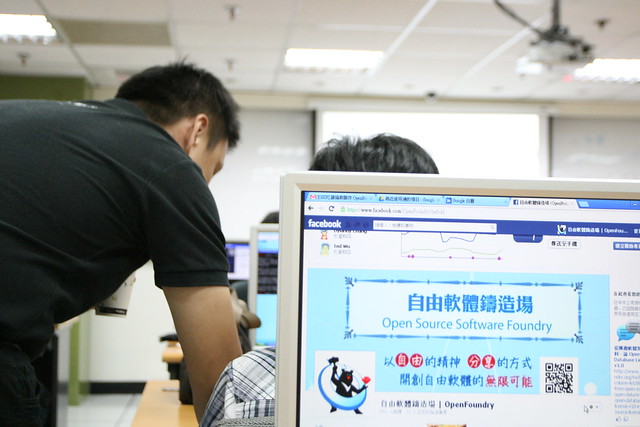
We have 3 Workshop in Oct, Nov, Dec at Taiwan.

2012/10/20  -- Taipei
2012/11/24 -- Tainaa
2012/12/9  -- Taichung

Nagios monitor system ( http://www.nagios.org/ ) hands on lab with openSUSE 12.2.

These events are support by Open Source Software Foundry (OSSF) at Taiwan ( http://www.openfoundry.org/en/about ) 
OSSF Foundry support our venue for events.

Our workshop env use EasyCloud ( http://easycloud.nchc.org.tw/index.php/ ) service.
EasyCloud service  base on Eazilla http://ezilla.info/ ).

Sourceforge Project Link : http://sourceforge.net/projects/ezilla-nchc/


Ezilla (pronounced "Easy La") helps users quickly and easily build their own private cloud! Ezilla integrates storage, networking, and computing resources under a cloud and allows cloud service providers to swiftly deploy cloud service environments that are built on a user-friendly, web-based interface.

== Simple to Explanation ==

User  ---->  Web Browser support HTML 5 ( Google Chrome / Firefox ) ---->   EasyCloud   (  Front:  HTML 5 Web interface, Back ground:  KVM )

User could create their openSUSE 12.2 Virtual Machine by EasyCloud with friendly interface.
And use ssh or VNC to connect their VM. ( for text or GUI ).

It means user can use their netbook or pc which browser support HTML 5 to practice complex labs ( We have 3 VMs in our workshop at the same time ).


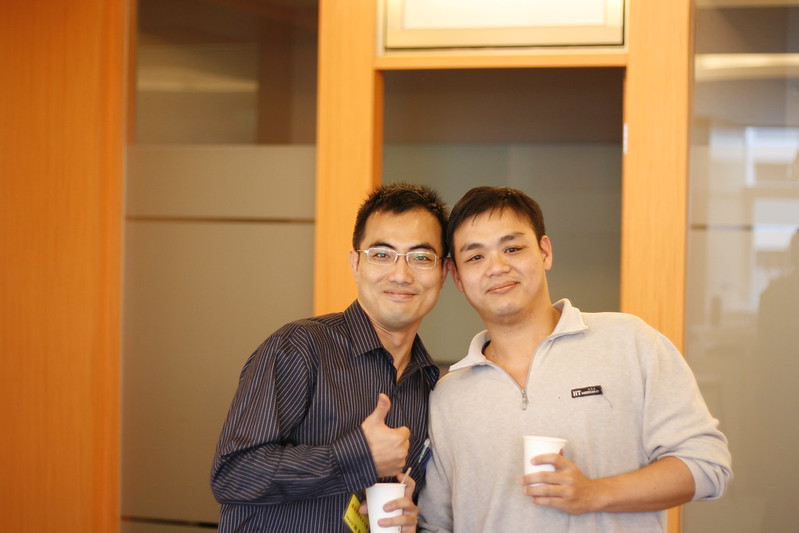
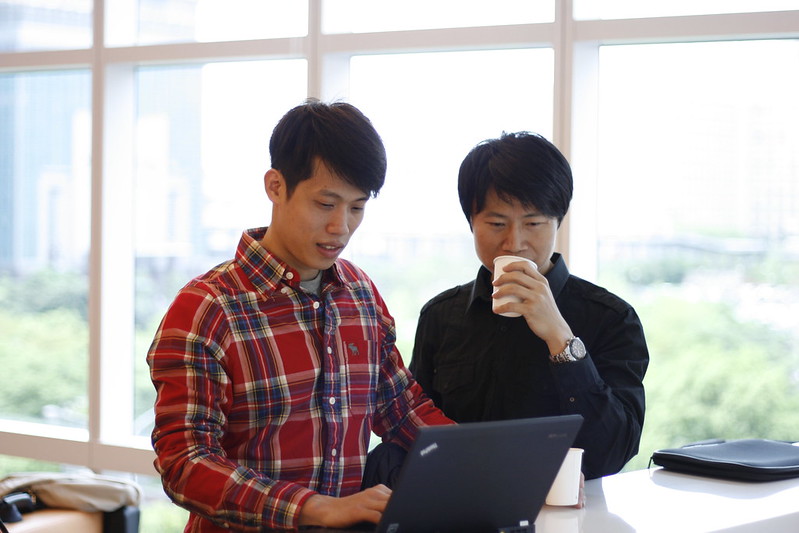
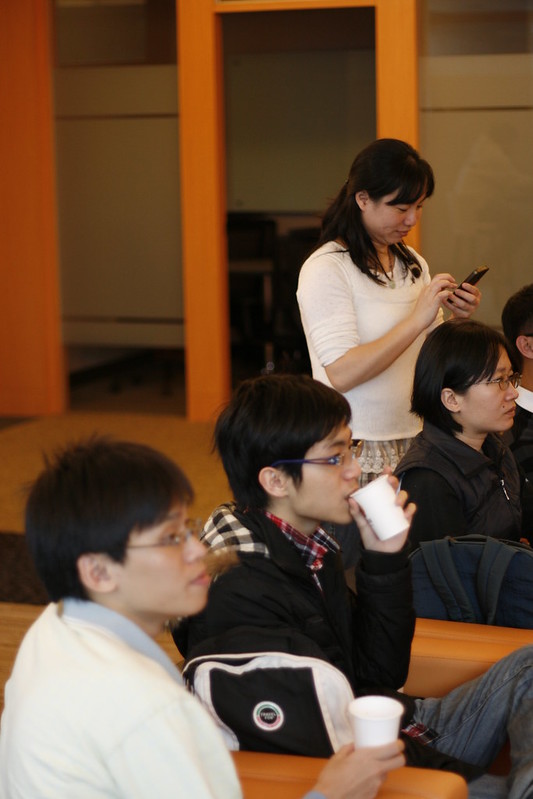
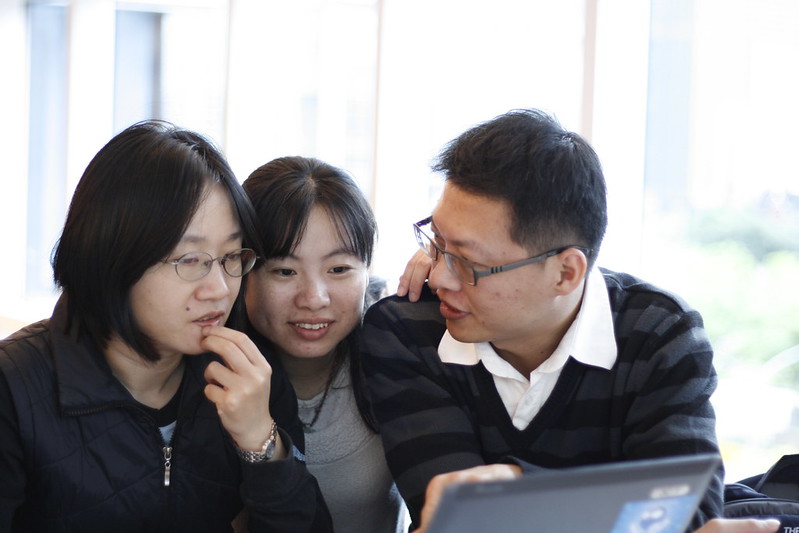
Just finish first one at 20th Oct, 2012

You can see these picture at flickr group
http://www.flickr.com/groups/opensuse/pool/


Fun in share ^__^

Oct 4, 2012

Press Release of GNOME.Asia 2012


Press Release of GNOME.Asia 2012


After Beijing, Ho-Chi-Minh City, Taipei and Bangalore, the fifth GNOME Asia Summit took place in Hong Kong.  Hong Kong is well known for being one of the largest cities in Asia, with a thriving cultural scene, solid infrastructure, and well integrated international connections.

We are very grateful to have important leaders in the GNOME Design Team - Allan Day, William Jon McCann & Jakub Steiner – to first gave us giving an overview the various stages for go through as a part of design initiatives in GNOME in the pre-event workshop. Three of them then delivered keynote presentation just after the opening of the conference to explain the history and philosophy behind the design of GNOME 3. They were also very patient in answering many of the participants' questions. 26 foreign speakers and 4 local speakers then shared their experiences in various aspects around GNOME. A total of 123 participants presented in the event.

One track in the afternoon was designed to focus on localization & internationalization and a number of Chinese specific problems were discussed. Participants from Mainland and Taiwan could get together face to face with Hong Kong activists to build stronger relationships.

We are also very grateful to have sponsors and co-hosts including Google, CwLinux, DotAsia, City University of Hong Kong, Internet Society Hong Kong, OpenSource.HK , Hong Kong Linux User Group and Linux Pilot,  We would also like to thank 3 individual sponsors. Last, but the least, all these will not happen without the support of the GNOME Foundation.

If you wants to know more about GNOME in Asia, please subscribe to the GNOME.Asia mailing list.

Aug 21, 2012

openSUSE 12.2 RC2 Install Notes


openSUSE 12.2 RC2 Install Notes


I choose  openSUSE 12.2 RC2  x86_64 Version

Some packages you may install.....

Google Chrome

  • http://www.google.com/chrome
  • Just download and install it.  :-)


Dropbox

  • http://software.opensuse.org/search  You could use one click install to install dropbox.
  • I use  home:opensuse_zh repo to install  dropbox and  nautilus-dropbox
  • After install dropbox and nautilus-dropbox packages, run the command at gnome terminal >dropbox  start  -i 

Input method for Asia people is gcin, so I keep it

Pidgin

  • # zypper  install  pidgin
  • I use zypper  to install pidgin for IM (MSN / Google talk). 
Mplayer

Add  Packman mirror repo in Taiwan.
Use shell script to add Packman repo.
For example, if the shell script name is "add-packman.sh"

#!/bin/bash
echo "Print the rep  in use"
zypper  lr -u

#Define openSUSE Version
VERSION=`cat /etc/SuSE-release | grep VERSION | cut -d ' ' -f 3`
echo "This openSUSE version is $VERSION"


echo "Add Taiwan's rep "

## for Packman Rep
zypper  ar -f http://ftp.nchc.org.tw/Linux/Packman/suse/$VERSION/ NCHC-Packman
#zypper ar -f http://ftp.twaren.net/Linux/Packman/suse/$VERSION/ twaren_packman
zypper  mr  -p  98  NCHC-Packman


#sh  add-packman.sh


After add Packman repo, I use zypper command to install Mplayer and smplayer package.

#zypper   install  -y  -l   MPlayer   smplayer   smplayer-lang


Skype:


Last version for linux is 2.2.0.35, and current version for linux is 4.0.0.8
I use command line ( wget ) to get the skype package

#wget  -O  skype-`date +%F`.rpm   http://www.skype.com/go/getskype-linux-beta-suse

The download package name will be "skype-yyyy-mm-dd.rpm"

For rpm base OS, Skype only provide 32 bits packages, so you must install some packages first.

You can see  http://en.opensuse.org/SDB:Skype
But it's not enough, for example, you should install  libXss1-32bit  package too. ( Not list on wiki)

You can use command line to do it.

#zypper   install   libpulse0-32bit

#zypper   install   xorg-x11-libXv-32bit   libqt4-32bit   libqt4-x11-32bit   libpng12-0-32bit

#zypper  install libXss1-32bit

Install  skype package

#rpm  -ivh  skype-*.rpm


VMware:

You should have  kernel-desktop-devel and gcc packages first.
#zypper  install  kernel-desktop-devel  gcc

But after you install VMware successful, but you will get error message when you compiled VMware module.
Found some article for openSUSE 12.2 RC2 and Kernel 3.4.x
http://communities.vmware.com/message/2096041

Install the patch for openSUSE and VMware

# cd   /usr/lib/vmware/modules;

Download  patch
# wget   http://pavlinux.ru/vmware/8.0.4/source.tar.lzma;

Check the  md5 hash

# md5sum   source.tar.lzma;
e37e41a818a47ec868bdb493197aaf63   source.tar.lzma

Extract  source.tar.lzma
# tar   -xf   source.tar.lzma

Install  VMware Module
# vmware-modconfig --console --install-all

It will be success when you install the patch


enjoy it ~~

Jun 12, 2012

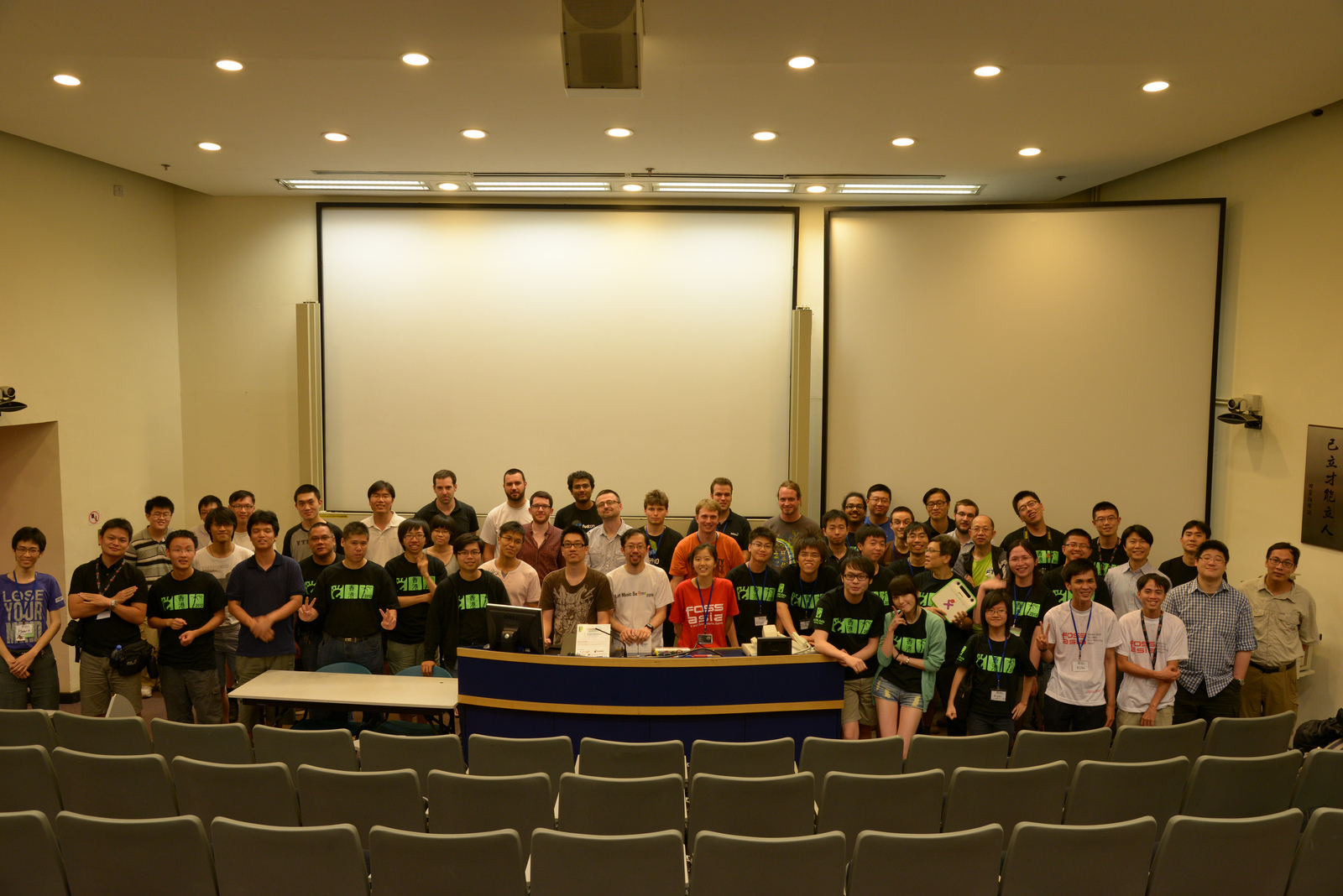
Thanks everyone come to GNOME.Asia 2012

Thanks everyone come to GNOME.Asia 2012 ^__^
Prepare GNOME Asia video now, take a preview photo now.


Jun 1, 2012

GNOME.ASIA 2012 Pre-event Training


GNOME.ASIA 2012 Pre-event Training


Experience GNOME design first-hand in this introductory half-day workshop led by key members of the GNOME design team. Workshop participants will be given tuition on design practice and tools, as well as a beginner's guide to contributing to design in open community projects.
Date: June 8, 2012, 2-5pm (Fri)
Venue: LT1 , 4/F Academic 1, City University of Hong Kong, Tat Chee Avenue, Kowloon Tong, Hong Kong.
GNOME.Asia 2012 Website: http://2012.gnome.asia/

register page:  http://registrano.com/events/gnomeasiatraining/


Our Speaker:
Allan Day
https://live.gnome.org/AllanDay

William Jon McCann
http://blogs.gnome.org/mccann/

Jakub Steiner
http://jimmac.musichall.cz/log/


^_^

Apr 18, 2012

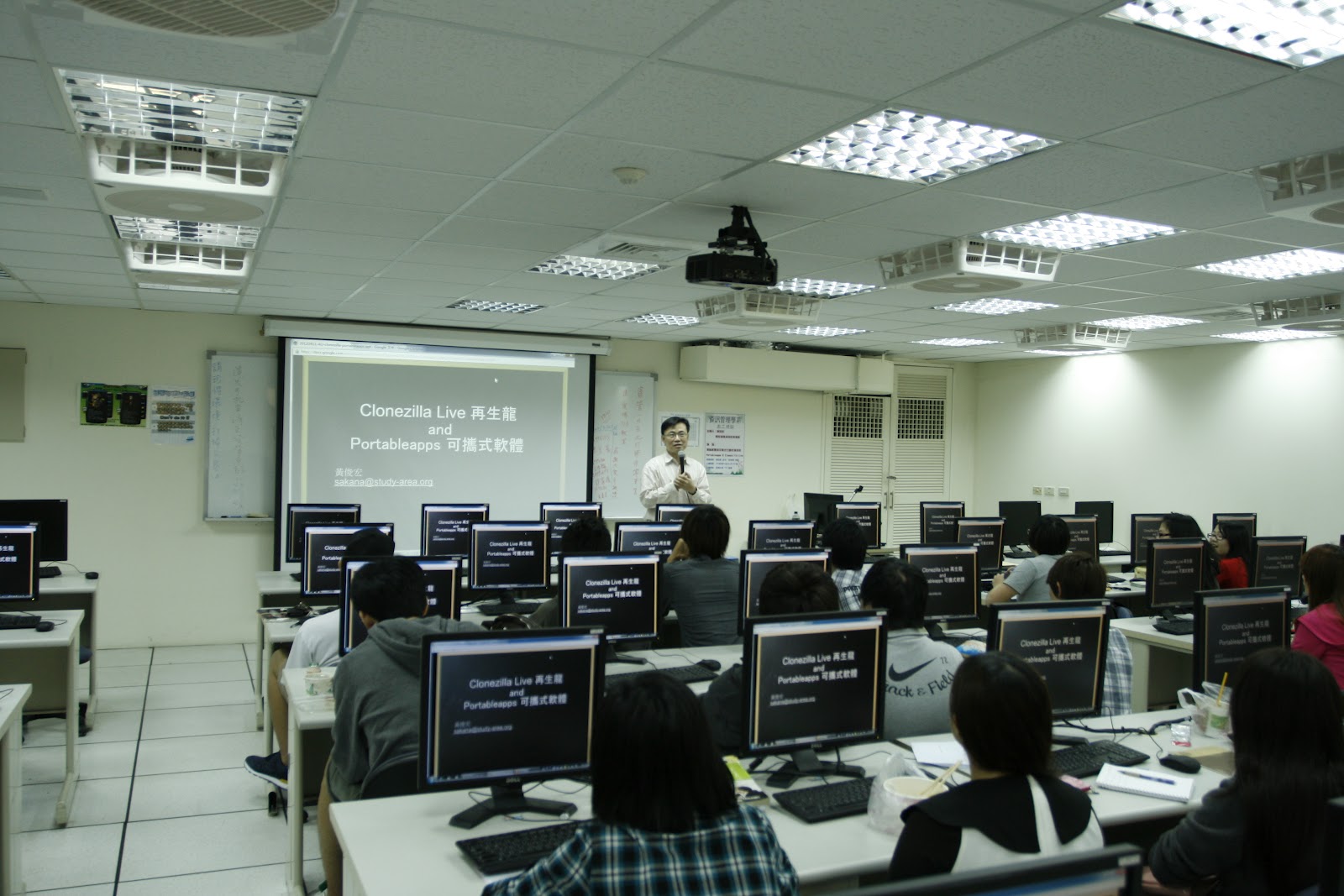
20120411 International Volunteers training -- in Aletheia Unversity


It's my honor to have a chance for training International Volunteers with clonezilla and some portable applications in Aletheia University ( http://en.wikipedia.org/wiki/Aletheia_University ).

I must thank Professor Tzong-Heng Chi ( 紀宗衡 ) invite me to have a talk there.  I feel very excited if I have chance to share freeware in Mongolia.

This training is for Clonezilla Live - A small bootable GNU/Linux distribution for imaging and cloning ( http://clonezilla.org ) and portable applications in Windows


Volunteers build their own custom portable app suite with their interests.  And introduce their custom app suite to everyone in workshop.

Introduce  VLC Media Player portable (Streaming and Online Edit ) now ^^
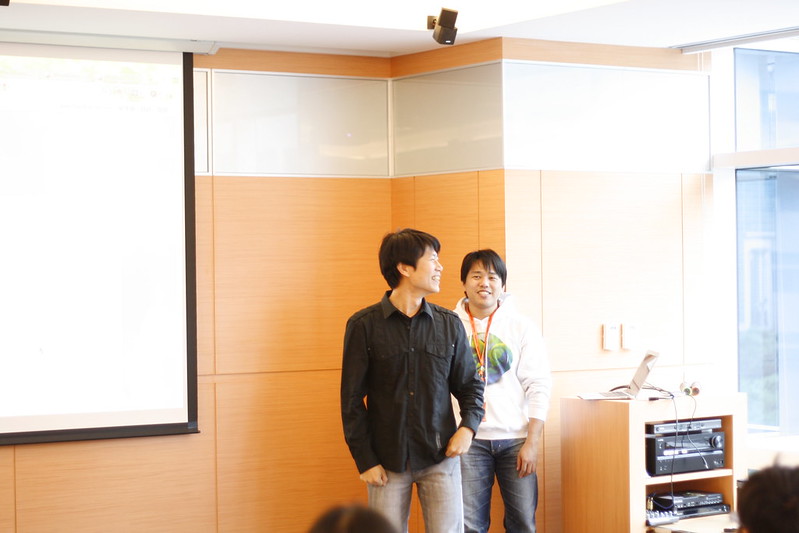
We must thank GNOME and openSUSE -- They support us promote DVDs to students.
In this training we also introduce  GNOME Outreach Program for Women ( http://live.gnome.org/GnomeWomen/OutreachProgram2012 ) and Google Summer of Code ( http://code.google.com/soc/ ).

GNOME 3 Live DVD with openSUSE 


I must thank our Photographer ^^( The girl with black coat)


And thanks Aletheia University again ^^


Apr 12, 2012

Ezgo 10 Meeting in Mozilla Taiwan


Ezgo 10 Meeting in Mozilla Taiwan

Ezgo Official Site:
http://ezgo.westart.tw/ ( With Chinese )

Ezgo Introduction ( Reference  Debian wiki page http://wiki.debian.org/DebianEzGo )


The EzGo is a LiveCD created by OSS Application Consulting Centre (OSSACC) which is a Ministry of Education Taiwan funded project, and its executive the Software Liberty Association of Taiwan (SLAT).

It is a set of free software collection aims to promote the usage of free software on teaching and self-learning. It includes open tools and open content for both Linux and Windows systems.


EzGo's target are new and first time linux users. Which is making a user interface and art work on top of a distribution of Linux which is easy, especially for the new user.

Key design aims are:

Ease of installation and setup. The system pre-installed with all applications that users may needed, rather than needing additional installation and extensive configurations.
Features which will be familiar and easy to use for users familiar with other operating systems (except where there is a compelling reason to do things differently).


Our Ezgo 10 first meeting  in ozilla Taiwan Office.
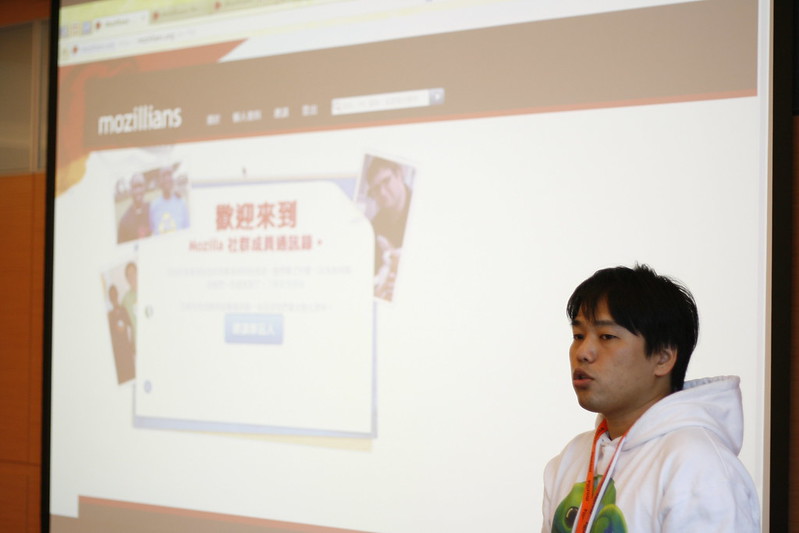
We must thank Bobchao ( Community Manager at Mozilla Corporation )


The meeting start with  Eric Sun, thanks Mozilla Taiwan and all members from Ezgo.


Bob introduce Mozillians https://mozillians.org and BrowserID concept to us.


On the other way Bob also share his experience with P2PU  http://p2pu.org/en/ , give  Ezgo community some brainshare. ^_^

The fist task for Ezgo 10 Meeting is "Check task list".


And discuss with Block on Desktop.


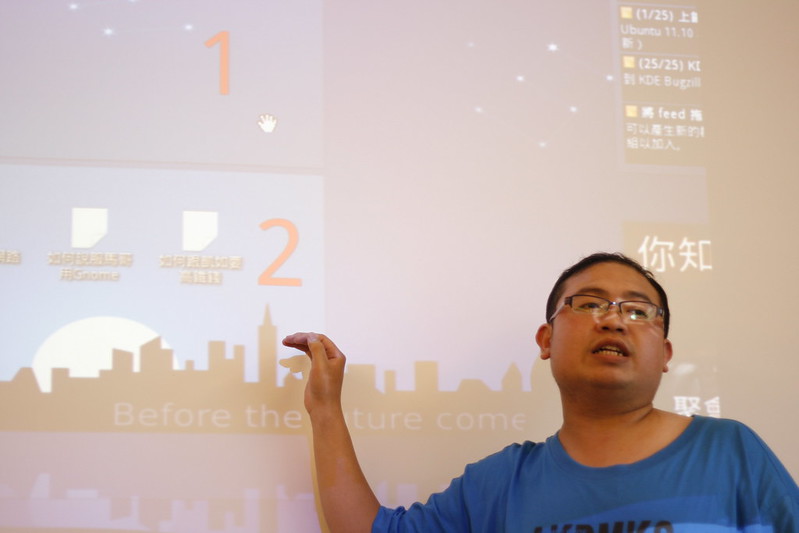
For me, it's a very interesting meeting cause the difference with GNOME and KDE. (Ezgo 10 will try to use KDE Desktop this time ).  We discuss lots of design for desktop view.

Anyway, I know more about KDE Desktop.
Thanks
Alvin Su (蘇仕文) - KDE, Taiwan.  An elementary school teacher and Way (徐志緯)


There are some picture here, and thanks again for Mozilla Taiwan and Ezgo Members.


~enjoy it