Nov 15, 2012

Adobe Edge -- Create the Web in Taipei Notes


I join the Adobe Edge -- Create the web in Taipei

Speaker is 

Ryan Stewart (https://twitter.com/ryanstewart)

And

Paul Burnett (https://twitter.com/pburnett)

Adobe create some opensource project, and make some awesome tools.

Here is my note:


Abstract:
  • Optimized different screen size (Responsive Web Design).
  • work with cloud service(Adobe Edge PhoneGap / Web Font).
  • Many free tools and open source tools and projects.

Support HTML 5 and CSS 3

Areas of Focus
  • Magazine-style Advance Layout
    • CSS Exclusions
    • CSS Regions
  • Cinematic Effects
    • CSS Custom Filters
  • Advanced Graphical Effects
    • CSS Blending
    • CSS Compositing

Focus on Webkit Browser
  • WebKit open source project
  • CSS FilterLab

Notes:
  • when execute the effect, above will show the code


Adobe Edge Tool and Service
  • Optimized for creating mobile-ready web content and apps
  • Focused on a specific task
  • Improve productivity without hiding the underlying web technologies

Adobe Edge Animate 1.0
  • Like Flash interface
  • Free (1.0 if free forever) via Adobe ID
  • Optimized the different screen size.
  • Can execute in application or browser, but it is HTML 5.
  • It can open with any normal html page, create some animate and output. (good point)

Adobe Edge Reflow
  • For optimized the different screen size (Responsive Web Design)

Adobe Typekit (Charge) (https://typekit.com/)
  • Use font on the web
  • 1253 font families, 53 foundries
  • Not support double byte font now.

Adobe Edge Web Font (Free)(http://html.adobe.com/edge/webfonts/)
  • Work with Google
  • Get started with Free Web Font
  • 500 + open source and free fonts
  • Open URLs fro each family
  • Not support double byte font now.

Source Sans Pro
  • A new font
  • Source Code Pro (for developer)
    • clear to identify ( l 1 0 O)

Brackets
  • open source tool ( MIT license)
  • Light weight editor
  • Not only text editor, and support CSS, HTML, JavaScript for developer
  • Quick edit (ctrl + e)
  • Live Preview (good point, show the result real time)
  • Brackets Extensions
    • InlineColorEditor


Adobe Edge Code
  • Code HTML, CSS, and JavaScript

Adobe Edge Inspect
  • Preview and Inspect on Mobile Devices
  • Install application on device and install a google chrome plugin to test.
  • Screen for every device look like.(And use text file to describe the device – screen resolution, and information)
  • Check remote device and modify real time.


PhoneGap
  • An SDK to build mobile apps with web technologies
  • PhoneGap provides acces to a number of core device APIs. (With a Java API)

Apache CORDOVA
  • PhoneGap is an Adobe distribution of the apache CORDOVA.

Adobe PhoneGap Build
  • Package Mobile Apps in the Cloud
  • And for different screen size and platform.(ios / Android / Windows … )
  • No need to test the device and download SDK.
  • Same code for different device. (one code to build 5 binary)
  • For update the program, you can only upload the html you wan to fix. Not all program.

Responsive Web Design
  • Fluid & Flexible Grid
  • Flexible Images
  • Media Queries (set min width, automatic move the content)
enjoy it ~

Oct 25, 2012

Nagios with openSUSE 12.2


We have 3 Workshop in Oct, Nov, Dec at Taiwan.

2012/10/20  -- Taipei
2012/11/24 -- Tainaa
2012/12/9  -- Taichung

Nagios monitor system ( http://www.nagios.org/ ) hands on lab with openSUSE 12.2.

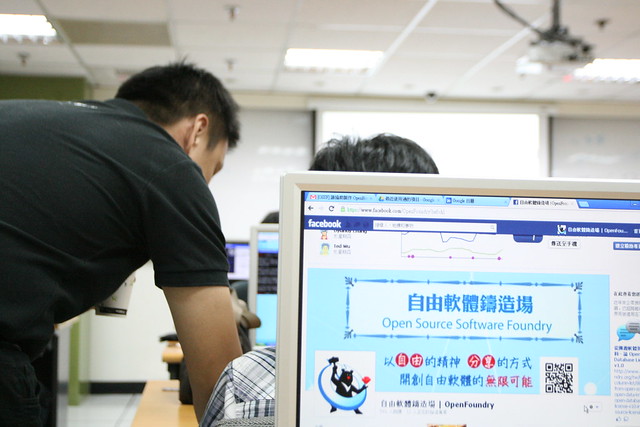
These events are support by Open Source Software Foundry (OSSF) at Taiwan ( http://www.openfoundry.org/en/about ) 
OSSF Foundry support our venue for events.

Our workshop env use EasyCloud ( http://easycloud.nchc.org.tw/index.php/ ) service.
EasyCloud service  base on Eazilla http://ezilla.info/ ).

Sourceforge Project Link : http://sourceforge.net/projects/ezilla-nchc/


Ezilla (pronounced "Easy La") helps users quickly and easily build their own private cloud! Ezilla integrates storage, networking, and computing resources under a cloud and allows cloud service providers to swiftly deploy cloud service environments that are built on a user-friendly, web-based interface.

== Simple to Explanation ==

User  ---->  Web Browser support HTML 5 ( Google Chrome / Firefox ) ---->   EasyCloud   (  Front:  HTML 5 Web interface, Back ground:  KVM )

User could create their openSUSE 12.2 Virtual Machine by EasyCloud with friendly interface.
And use ssh or VNC to connect their VM. ( for text or GUI ).

It means user can use their netbook or pc which browser support HTML 5 to practice complex labs ( We have 3 VMs in our workshop at the same time ).


Just finish first one at 20th Oct, 2012

You can see these picture at flickr group
http://www.flickr.com/groups/opensuse/pool/


Fun in share ^__^

Oct 4, 2012

Press Release of GNOME.Asia 2012


Press Release of GNOME.Asia 2012


After Beijing, Ho-Chi-Minh City, Taipei and Bangalore, the fifth GNOME Asia Summit took place in Hong Kong.  Hong Kong is well known for being one of the largest cities in Asia, with a thriving cultural scene, solid infrastructure, and well integrated international connections.

We are very grateful to have important leaders in the GNOME Design Team - Allan Day, William Jon McCann & Jakub Steiner – to first gave us giving an overview the various stages for go through as a part of design initiatives in GNOME in the pre-event workshop. Three of them then delivered keynote presentation just after the opening of the conference to explain the history and philosophy behind the design of GNOME 3. They were also very patient in answering many of the participants' questions. 26 foreign speakers and 4 local speakers then shared their experiences in various aspects around GNOME. A total of 123 participants presented in the event.

One track in the afternoon was designed to focus on localization & internationalization and a number of Chinese specific problems were discussed. Participants from Mainland and Taiwan could get together face to face with Hong Kong activists to build stronger relationships.

We are also very grateful to have sponsors and co-hosts including Google, CwLinux, DotAsia, City University of Hong Kong, Internet Society Hong Kong, OpenSource.HK , Hong Kong Linux User Group and Linux Pilot,  We would also like to thank 3 individual sponsors. Last, but the least, all these will not happen without the support of the GNOME Foundation.

If you wants to know more about GNOME in Asia, please subscribe to the GNOME.Asia mailing list.

Aug 21, 2012

openSUSE 12.2 RC2 Install Notes


openSUSE 12.2 RC2 Install Notes


I choose  openSUSE 12.2 RC2  x86_64 Version

Some packages you may install.....

Google Chrome

  • http://www.google.com/chrome
  • Just download and install it.  :-)


Dropbox

  • http://software.opensuse.org/search  You could use one click install to install dropbox.
  • I use  home:opensuse_zh repo to install  dropbox and  nautilus-dropbox
  • After install dropbox and nautilus-dropbox packages, run the command at gnome terminal >dropbox  start  -i 

Input method for Asia people is gcin, so I keep it

Pidgin

  • # zypper  install  pidgin
  • I use zypper  to install pidgin for IM (MSN / Google talk). 
Mplayer

Add  Packman mirror repo in Taiwan.
Use shell script to add Packman repo.
For example, if the shell script name is "add-packman.sh"

#!/bin/bash
echo "Print the rep  in use"
zypper  lr -u

#Define openSUSE Version
VERSION=`cat /etc/SuSE-release | grep VERSION | cut -d ' ' -f 3`
echo "This openSUSE version is $VERSION"


echo "Add Taiwan's rep "

## for Packman Rep
zypper  ar -f http://ftp.nchc.org.tw/Linux/Packman/suse/$VERSION/ NCHC-Packman
#zypper ar -f http://ftp.twaren.net/Linux/Packman/suse/$VERSION/ twaren_packman
zypper  mr  -p  98  NCHC-Packman


#sh  add-packman.sh


After add Packman repo, I use zypper command to install Mplayer and smplayer package.

#zypper   install  -y  -l   MPlayer   smplayer   smplayer-lang


Skype:


Last version for linux is 2.2.0.35, and current version for linux is 4.0.0.8
I use command line ( wget ) to get the skype package

#wget  -O  skype-`date +%F`.rpm   http://www.skype.com/go/getskype-linux-beta-suse

The download package name will be "skype-yyyy-mm-dd.rpm"

For rpm base OS, Skype only provide 32 bits packages, so you must install some packages first.

You can see  http://en.opensuse.org/SDB:Skype
But it's not enough, for example, you should install  libXss1-32bit  package too. ( Not list on wiki)

You can use command line to do it.

#zypper   install   libpulse0-32bit

#zypper   install   xorg-x11-libXv-32bit   libqt4-32bit   libqt4-x11-32bit   libpng12-0-32bit

#zypper  install libXss1-32bit

Install  skype package

#rpm  -ivh  skype-*.rpm


VMware:

You should have  kernel-desktop-devel and gcc packages first.
#zypper  install  kernel-desktop-devel  gcc

But after you install VMware successful, but you will get error message when you compiled VMware module.
Found some article for openSUSE 12.2 RC2 and Kernel 3.4.x
http://communities.vmware.com/message/2096041

Install the patch for openSUSE and VMware

# cd   /usr/lib/vmware/modules;

Download  patch
# wget   http://pavlinux.ru/vmware/8.0.4/source.tar.lzma;

Check the  md5 hash

# md5sum   source.tar.lzma;
e37e41a818a47ec868bdb493197aaf63   source.tar.lzma

Extract  source.tar.lzma
# tar   -xf   source.tar.lzma

Install  VMware Module
# vmware-modconfig --console --install-all

It will be success when you install the patch


enjoy it ~~

Jun 12, 2012

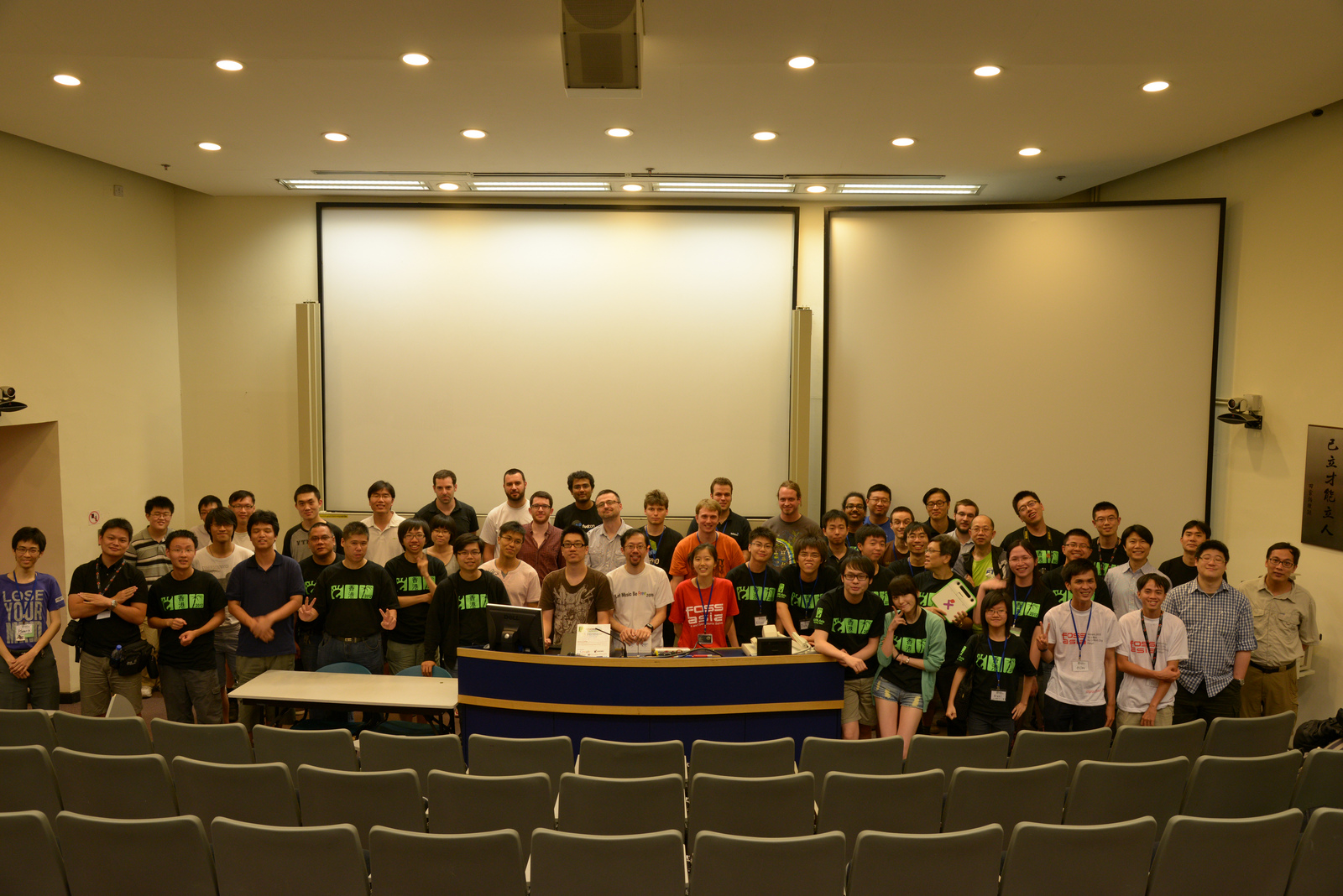
Thanks everyone come to GNOME.Asia 2012

Thanks everyone come to GNOME.Asia 2012 ^__^
Prepare GNOME Asia video now, take a preview photo now.


Jun 1, 2012

GNOME.ASIA 2012 Pre-event Training


GNOME.ASIA 2012 Pre-event Training


Experience GNOME design first-hand in this introductory half-day workshop led by key members of the GNOME design team. Workshop participants will be given tuition on design practice and tools, as well as a beginner's guide to contributing to design in open community projects.
Date: June 8, 2012, 2-5pm (Fri)
Venue: LT1 , 4/F Academic 1, City University of Hong Kong, Tat Chee Avenue, Kowloon Tong, Hong Kong.
GNOME.Asia 2012 Website: http://2012.gnome.asia/

register page:  http://registrano.com/events/gnomeasiatraining/


Our Speaker:
Allan Day
https://live.gnome.org/AllanDay

William Jon McCann
http://blogs.gnome.org/mccann/

Jakub Steiner
http://jimmac.musichall.cz/log/


^_^

Apr 18, 2012

20120411 International Volunteers training -- in Aletheia Unversity


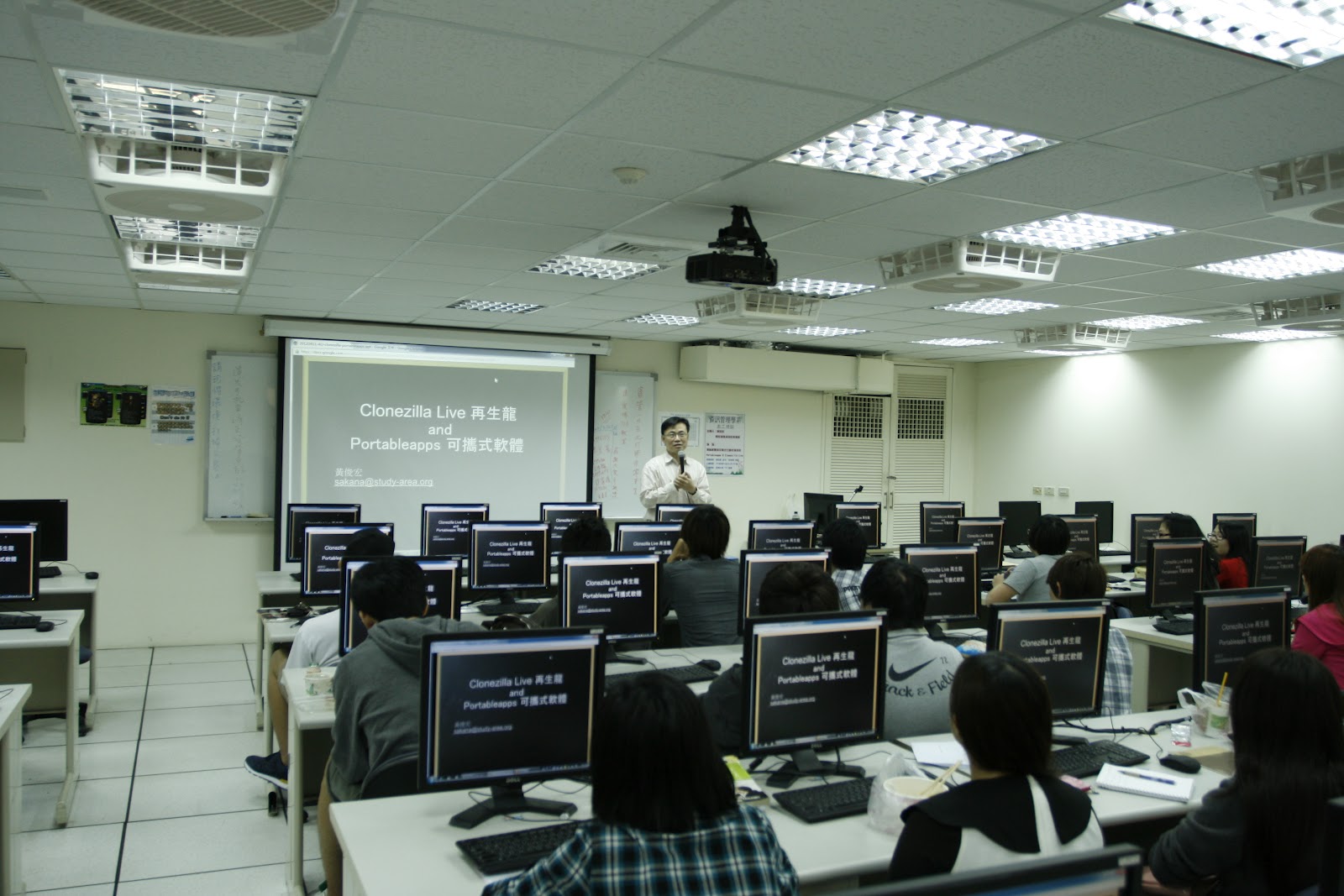
It's my honor to have a chance for training International Volunteers with clonezilla and some portable applications in Aletheia University ( http://en.wikipedia.org/wiki/Aletheia_University ).

I must thank Professor Tzong-Heng Chi ( 紀宗衡 ) invite me to have a talk there.  I feel very excited if I have chance to share freeware in Mongolia.

This training is for Clonezilla Live - A small bootable GNU/Linux distribution for imaging and cloning ( http://clonezilla.org ) and portable applications in Windows


Volunteers build their own custom portable app suite with their interests.  And introduce their custom app suite to everyone in workshop.

Introduce  VLC Media Player portable (Streaming and Online Edit ) now ^^

We must thank GNOME and openSUSE -- They support us promote DVDs to students.
In this training we also introduce  GNOME Outreach Program for Women ( http://live.gnome.org/GnomeWomen/OutreachProgram2012 ) and Google Summer of Code ( http://code.google.com/soc/ ).

GNOME 3 Live DVD with openSUSE 


I must thank our Photographer ^^( The girl with black coat)


And thanks Aletheia University again ^^